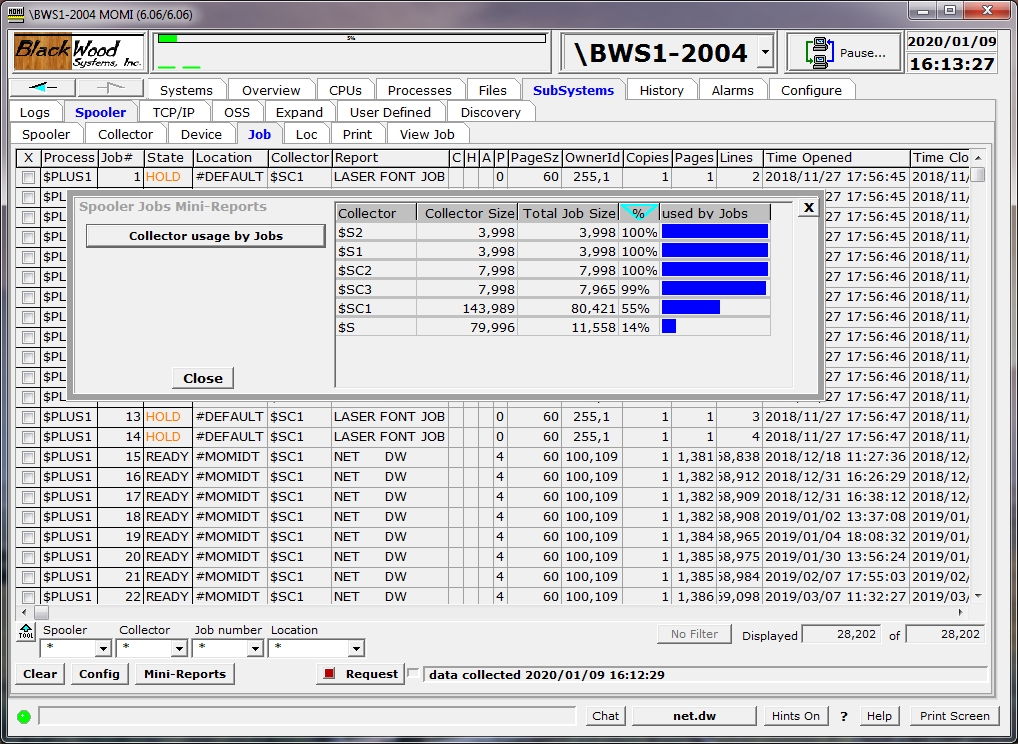
The Spool / Job screen presents the status and state of data waiting in the Spooler.
Data is organized in the Spooler in units known as jobs. Generally, a job represents the output of a single process sending data to the Spooler.
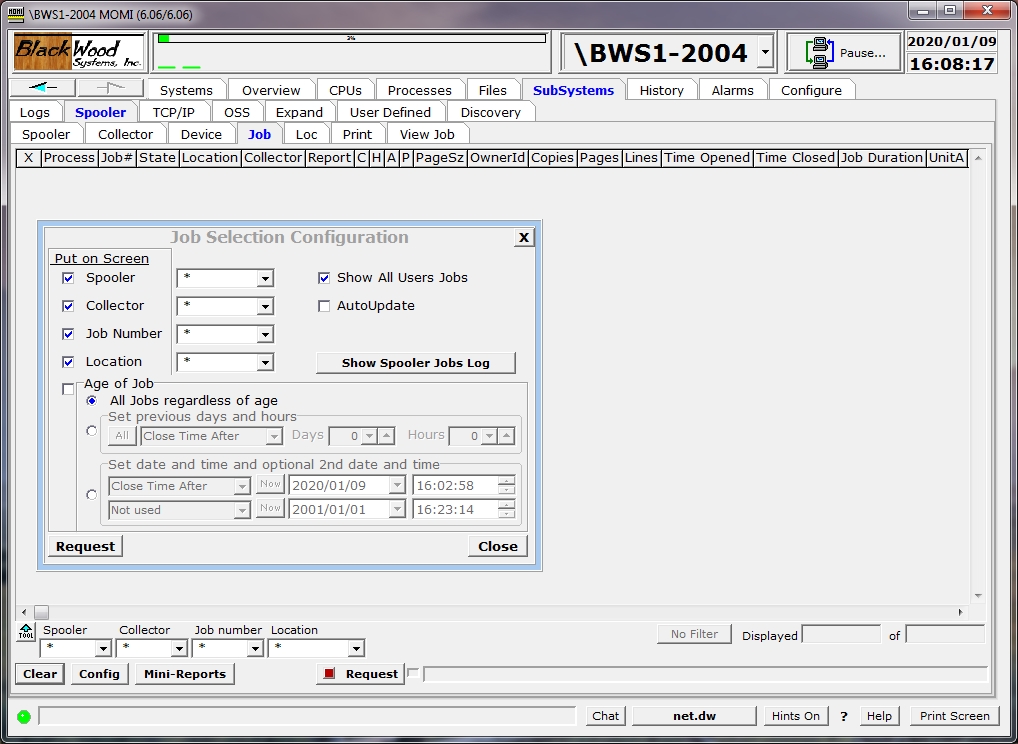
Jobs are displayed when the User presses the Request button. In the logged off state, all jobs are displayed. If a User is logged on, by default, only the user's jobs are displayed. Checking the Show All Users Jobs box under Config displays all jobs regardless of owner.
The Config button is used to determine what selections are available along the bottom of the screen by checking the box under Put on Screen
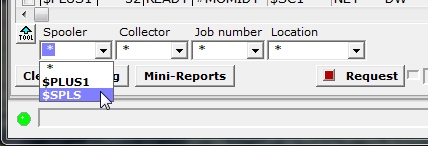
Display of Jobs may also be limited by selecting a particular Spooler and / or Collector in which to retrieve jobs.
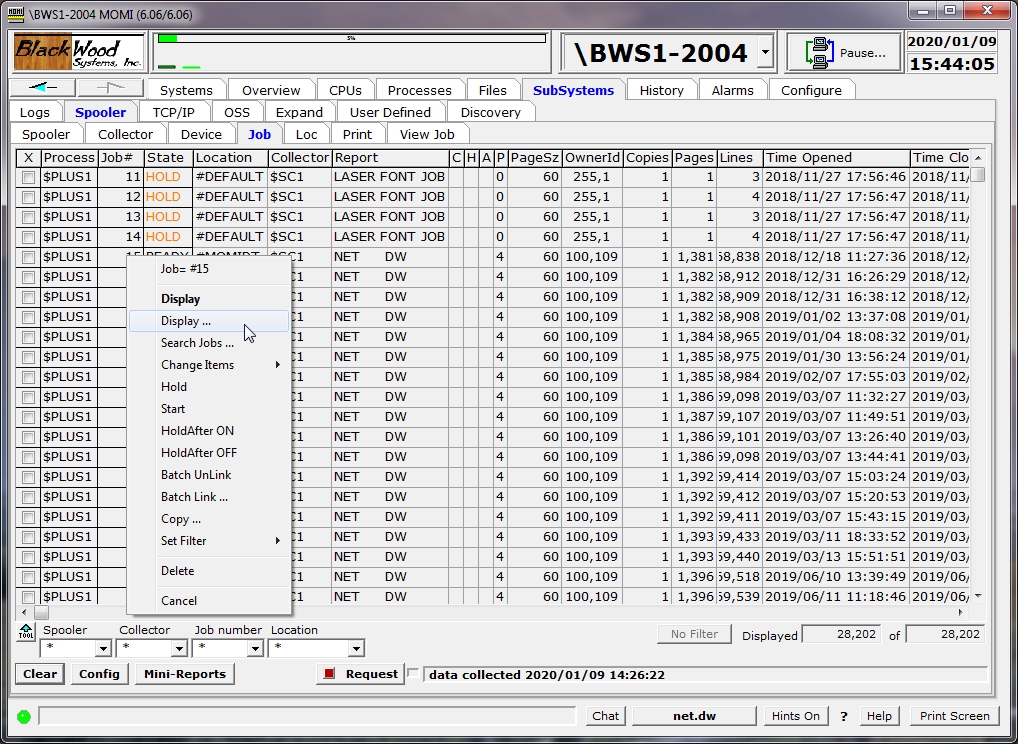
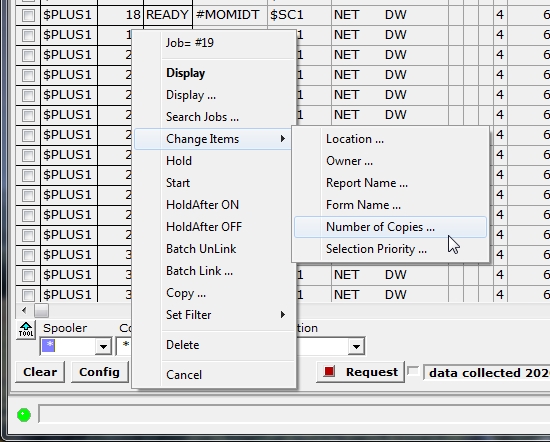
Right click on a job brings up a menu of actions. Actions require the User to be logged on. The security of the Spooler subsystem itself, not MOMI, gives any "Super Group" User the right to perform an action regardless of the owner of the job.
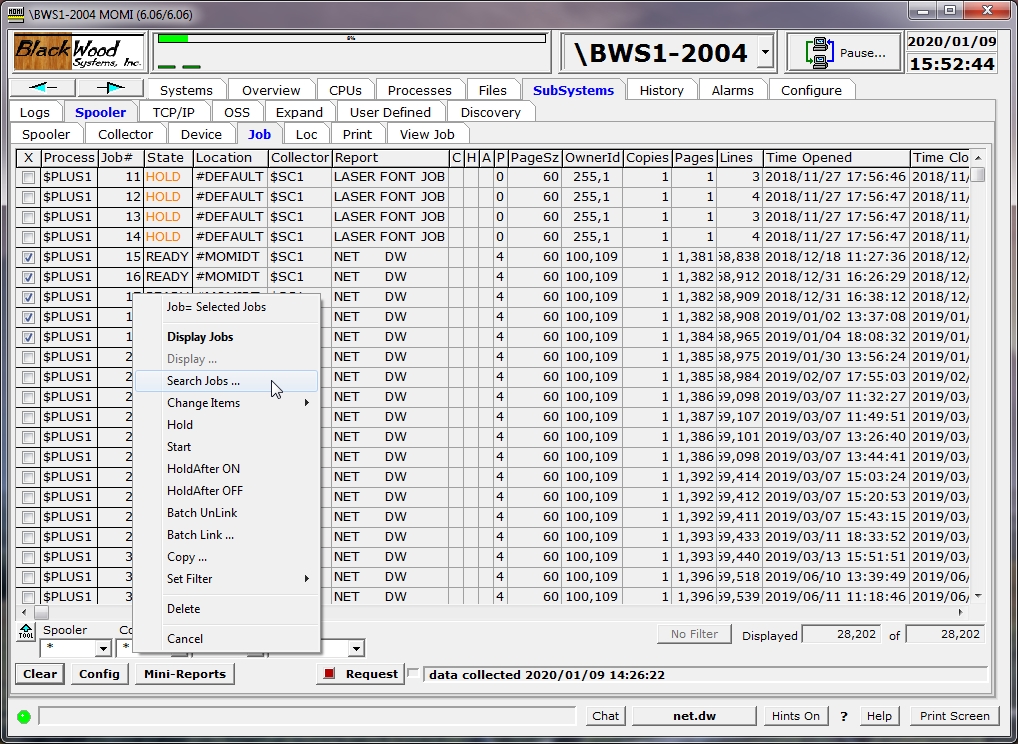
The Search Jobs... selection provides the function of scanning through selected jobs looking for desired text. In the first column, left-click to check one or more jobs then right-click over one of the jobs and select Search Jobs...
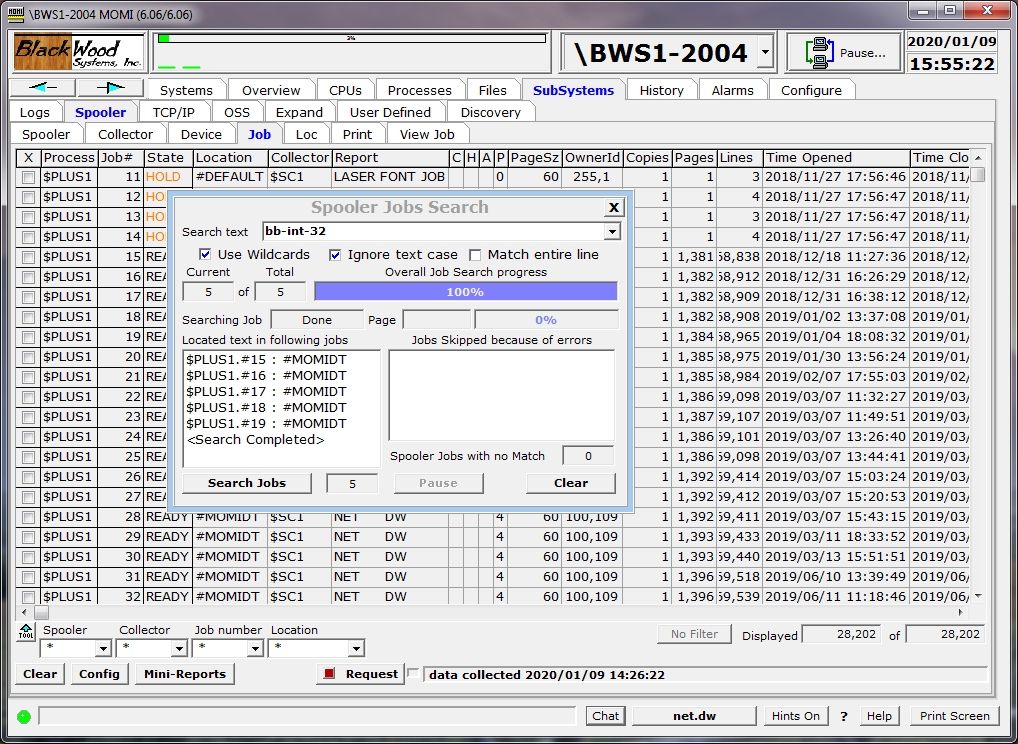
In the pop-up window, enter the text to find and enable any desired options. Press Search Jobs and the client will scan through all selected jobs displaying the results. Click on a line in the the search results to display the job contents in View Job.
The Mini-Reports button displays a pop-up window that provides various statistics about the currently displayed jobs.